Quick answer
Add a simple automated check to a repository and interpret its results before merging. A CI workflow checks code when a pull request changes. This tutorial uses a harmless Node.js syntax check; it does not prove that your software is bug-free.
A CI workflow checks code when a pull request changes. This tutorial uses a harmless Node.js syntax check; it does not prove that your software is bug-free.
Before you begin
You need a GitHub repository with a small JavaScript file, repository permission to commit and GitHub Actions enabled. Never place tokens directly in YAML.
Method guide · not a product benchmark01Create a tiny baseline
Add an app.js file with a valid console.log statement. Run node --check app.js locally first if Node.js is installed. Keep this teaching repository separate from production customer code.
02Write the workflow file
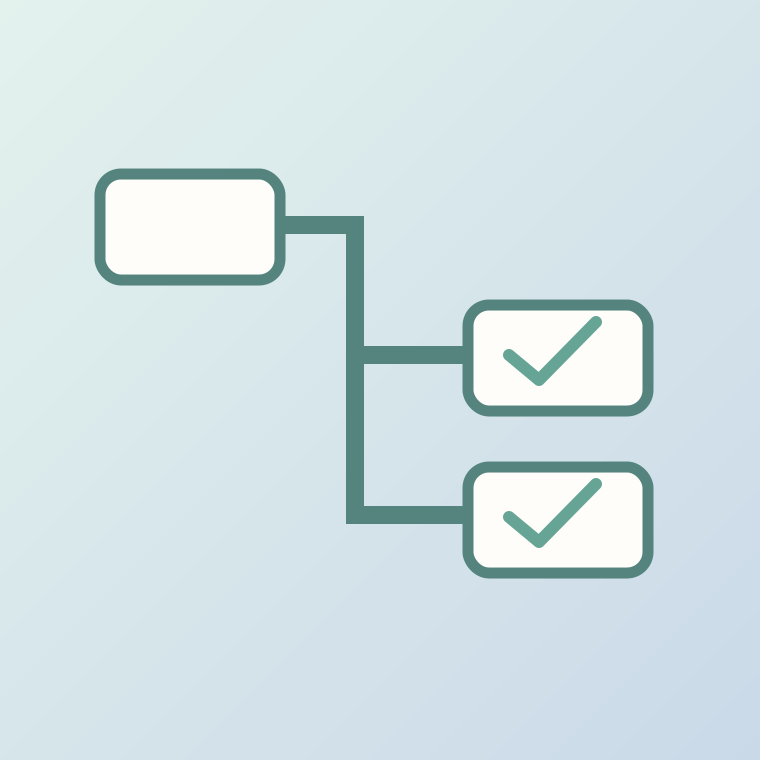
Create .github/workflows/check.yml in a branch. Give it a descriptive name, trigger on pull_request and use ubuntu-latest, actions/checkout@v4 and actions/setup-node@v4. Run node --check app.js; use read-only default permissions.
03Trigger checks on pull requests
Open a pull request from your branch into main. GitHub starts the check when the workflow exists and Actions are enabled. Look under the Checks tab and verify the run corresponds to the right commit.
04Understand failure logs
Introduce a deliberate syntax error in the branch and rerun the check. Open the failed job logs to identify the command and error line, then repair the file. Do not publish a failing experiment to main.
05Make merging safer
Require passing checks under your repository branch protection or ruleset, if available. Remember that syntax checks do not test product correctness, accessibility, security or factual claims; keep review appropriate to risk.
Try this prompt
Review this GitHub Actions YAML for minimal permissions, reliable Node installation and useful failure reporting. Explain risks without claiming to run it: [paste YAML].
Worked example
Fictional teaching example — not a product test or a real customer record.
Starting information
Fictional learning example; no live customer data or measured product outputs.
Expected result
Expected: complete the steps, keep evidence, and verify the real interface before acting.
Before you use the result
- Confirm the exact software version and access rights.
- Keep secrets and private records out of demonstrations.
- Do not treat this hypothetical result as a real test.
Worksheet
Editable text file. Fill it with your own evidence; blank fields are not results.
Download the worksheet (.txt)