Quick answer
Follow the steps using fictional examples and verify each GitHub or Vercel screen before making irreversible changes.
GitHub hosts Git repositories and provides pull requests to discuss changes before merging. This practical walkthrough uses a fictional README edit; menu labels may change and access requirements depend on repository settings.
Before you begin
You need a GitHub account and a browser. For local Git operations you may also use Git or VS Code. The example uses non-sensitive text in a new repository; do not upload credentials or private documents.
Method guide · not a product benchmark01Create a repository
From GitHub, choose New repository, enter a clear descriptive name, choose visibility and initialize with a README. Public repositories are visible on the web; choose private for sensitive work. Create the repository and check that the README appears.
02Create a working branch
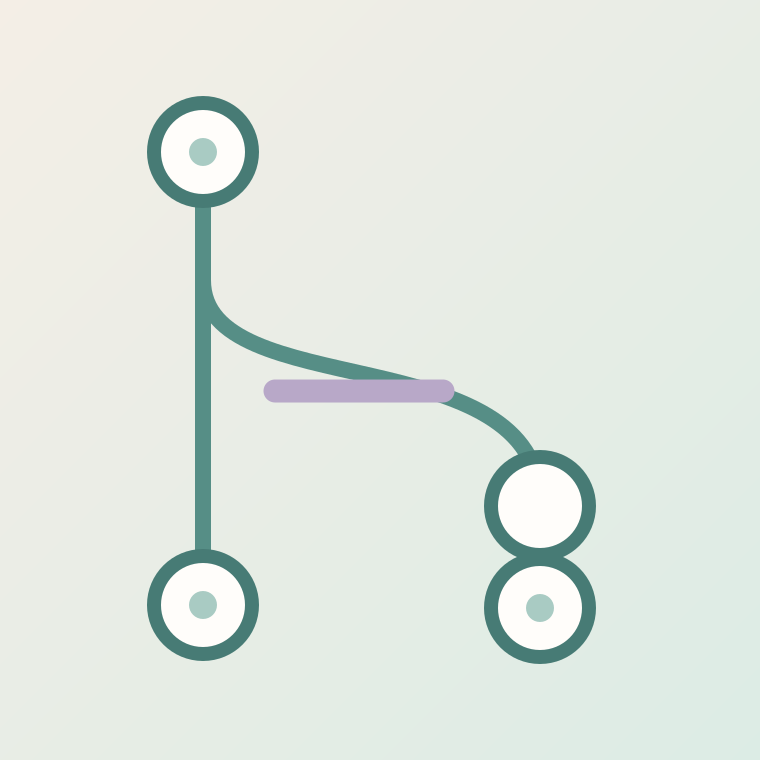
Open the branch selector and create a branch such as docs/first-guide from main. A branch separates your proposed change from the default branch. Check the current branch before editing so the change does not go straight to main.
03Make a small commit
Open README.md, select Edit, add one useful sentence and choose Commit changes. Write a concise commit message explaining why. A commit records a snapshot; it does not automatically merge your working branch into main.
04Open and inspect a pull request
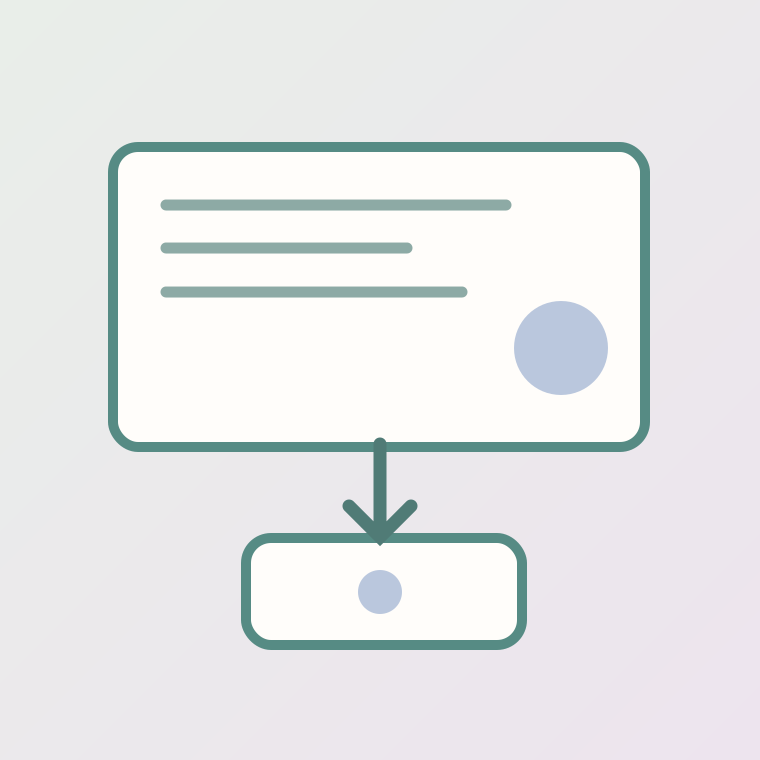
Select Compare & pull request, verify base main and your working branch, explain the change and inspect Files changed. Resolve feedback and check automated tests if the repository runs them. A green check alone does not guarantee the content is correct.
05Merge and verify the result
When authorized, use Merge pull request, then inspect README on main. Optionally delete the temporary branch. For a website, confirm that the deployment pipeline actually picked up the merged commit before claiming changes are live.
Try this prompt
Review this proposed GitHub README edit. Identify unclear instructions, potential credential exposure, and steps that need verification. Do not claim that you performed a GitHub action. Proposed change: [paste text].
Worked example
Fictional teaching example — not a product test or a real customer record.
Starting information
Example: a README edit on a new branch.
Expected result
Expected: the README change is reviewed in a PR and appears on main only after merge.
Before you use the result
- Never include passwords or access tokens in the repository.
- Confirm permissions and correct branch before making changes.
- Verify real output in the service; this example is not a test result.
Worksheet
Editable text file. Fill it with your own evidence; blank fields are not results.
Download the worksheet (.txt)